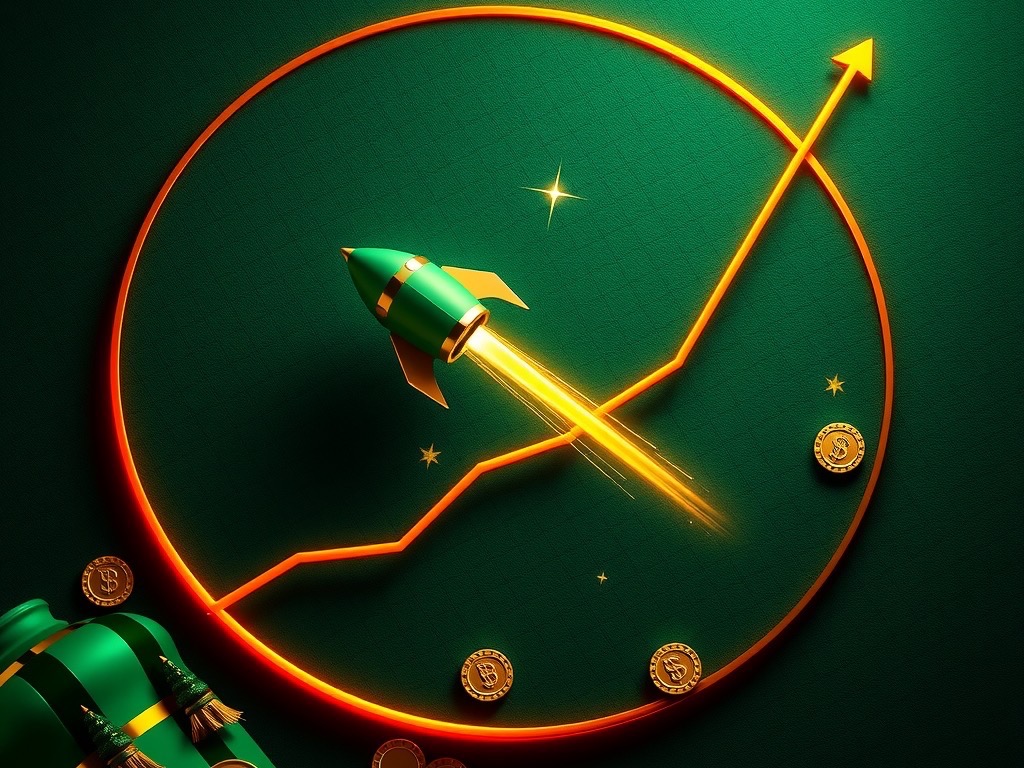
Spin101 crash round screen with bottle green panels, gold coins and saffron highlights

Round By Round

Spin101 Crash Games: Fast Rounds, Clear Choices, and Mobile Access

Spin101 crash games bring quick rounds and simple controls to players in India. Watch the multiplier rise, then choose when to collect your displayed return. Each round has its own pace, outcome, and visible multiplier. Set a limit before playing, and check the rules shown for each game.

By Spin101 Editorial Team ·

7
Guide Sections
20
Topics Covered
10
Checklist Points
18+
Age Requirement

Round By Round

How Crash Games Work, From Starting a Round to Collecting

Crash games use a rising multiplier that can stop unexpectedly. Your result depends on the game’s rules and your chosen collection time.

Place a Stake Before the Multiplier Starts Rising

Choose your stake before the round begins, using available controls. The game may set a minimum and maximum stake for each round. Check those limits before confirming your selection. A confirmed stake usually applies only to that round.

Choose When to Collect During the Round

You may collect while the multiplier is rising, subject to game rules. Earlier collections can secure a smaller multiplier than waiting longer. Waiting may increase the displayed return, but the round could end first. A rising multiplier does not guarantee a successful collection.

Understand the Round’s Final Outcome

Every round ends when its multiplier stops increasing. A collection made before that point may produce a return. If the round stops first, the stake may be lost. The exact calculation depends on the game’s published rules. Results from earlier rounds do not determine future results.

Editorial banner illustrating How Crash Games Work, From Starting a Round to Collecting at Spin101

Round By Round

Crash Game Features to Check Before Choosing a Round

Different crash games can use different visuals, controls, and rules. Compare the details shown before selecting a title or placing stakes.

Review the Game’s Rules and Displayed Information

Open the game information panel before your first round. Check its rules, stake limits, collection method, and any special features. Read instructions carefully, especially when controls look unfamiliar. Clear understanding helps you make informed choices.

Compare Interface Style and Round Pace

Some games use aircraft, rockets, charts, or other visual themes. These graphics may look different while the core mechanic remains similar. Focus on the rules rather than the animation. A dramatic display does not change the outcome.

Check Whether Each Game Offers Separate Controls

Some titles may provide more than one betting or collection control. Others may use a single stake and one collection button. The layout and options depend on the selected game. Verify those details before starting. If multiple controls appear, read each label carefully.

Editorial banner illustrating Crash Game Features to Check Before Choosing a Round at Spin101

Round By Round

Playing Spin101 Crash Games on a Mobile Device

A mobile interface can make rounds accessible while you are away. Check the display, connection, and controls before placing any stake.

Open the Game Through the Available Spin101 Interface

Use the official Spin101 access point available to you. Sign in only through a page you recognize and trust. Check the game title before opening it. Availability can differ by location, device, or account.

A browser may need to load the game before controls respond. Wait for the interface to finish loading. Confirm the multiplier and buttons are visible. Do not submit a stake while the screen remains incomplete.

Make Controls Easier to Read on Smaller Screens

Turn your device upright or sideways when the game permits. Choose the view that keeps essential controls visible. Keep the multiplier, stake, and collection button within sight. Avoid covering these details with other windows.

Use a stable surface when tapping during a round. Small screens can make nearby buttons easy to confuse. Review your stake before confirming each selection. If text appears too small, adjust your display settings.

Check Your Connection Before Starting

A stable connection helps the game receive your commands. Network interruptions can delay updates or prevent controls from registering. Check your connection before opening a round. Avoid playing when your signal repeatedly drops.

Do not assume a delayed display reflects a completed action. Wait for the interface to confirm the result. If a round appears interrupted, follow the support instructions. Keep relevant details available when reporting a problem.

Editorial banner illustrating Playing Spin101 Crash Games on a Mobile Device at Spin101

If It Breaks

Troubleshooting Common Crash Game Problems

Small technical issues can interrupt a round or delay account actions. Try basic checks, then contact support with clear details.

The Game Does Not Load or Respond

Check your internet connection and reload the game once. Close other tabs that use substantial data. Make sure your browser allows required site functions. Restart your device if the screen remains frozen. Avoid repeating a stake while a previous action remains unresolved.

A Control or Multiplier Looks Different

Confirm that you opened the intended title. Game layouts can vary between providers. Read the on-screen instructions for that specific game. Do not rely on controls from another title. If displayed information appears inconsistent, stop playing. Capture the visible details when appropriate.

A Payment or Account Request Is Delayed

Check the account status and transaction history first. Read any notice requesting additional information. Keep your confirmation number available. Avoid submitting repeated requests for the same transaction. Contact support through the channel listed in your account.

Round By Round

Choosing a Crash Game That Suits Your Preferences

The best choice is the title you understand and can use comfortably. Compare its rules, controls, pace, and display before deciding.

Compare Rules Before Comparing Visual Themes

A colorful animation can attract attention, but rules matter more. Check how the collection works and when rounds end. Review stake limits and any special mechanics. Select only after you understand these details. Treat visual themes as presentation choices. They do not predict future multipliers.

Choose a Pace That Supports Careful Decisions

Fast rounds can leave little time for review. Consider whether you can read each control comfortably. Choose a pace that fits your attention and device. Stop if the speed creates pressure. You do not need to join every round. Waiting is a valid choice when you feel uncertain.

Avoid Claims About Guaranteed Results

No crash game can guarantee a particular outcome. Past results do not establish what happens next. Be cautious of systems that promise certain returns. Verify important claims through official rules. Avoid advice that urges larger stakes after losses. Do not follow automated signals without understanding their source.

Help Desk

Support Options for Spin101 Crash Games Users

Support can help with account access, rules, and transaction questions. Use the contact methods currently shown in your account.

Prepare Useful Details Before Contacting Support

Write down the game title and approximate round time. Include the transaction reference when asking about payments. Describe what happened in simple, specific terms. Avoid sending unrelated personal information. Screenshots can help explain a visible interface issue. Check them for private details before sharing.

Ask Clear Questions About Rules or Transactions

Describe the exact rule or transaction you need explained. Mention which screen or notice caused confusion. Ask for the next step if action is required. Keep the reply for future reference. Support response times may vary. Check the stated operating hours and available channels.

Report Suspicious Messages or Account Activity

Do not respond to requests for passwords or security codes. Check whether the message came through an official channel. Report suspicious contact using the account’s support options. Change your password if you suspect access was compromised. Review recent account activity after reporting an issue. Sign out of devices you do not recognize.

Round By Round

Spin101 Crash Games: Quick Checks Before You Start

A few checks can help you understand the interface. Review the rules, set limits, and confirm your connection first.

Use This Short Pre-Round Checklist

  • Read the selected game’s instructions and collection rules.
  • Confirm the stake, account balance, and round controls.
  • Set a session limit before joining any round.
  • Check your connection and device display.
  • Stop if anything on-screen remains unclear.

Treat the checklist as a reminder, not a prediction method. It cannot change a game’s outcome. Use it to slow down decisions. Leave the game whenever you need a break.

Remember the Main Risks and Controls

The multiplier can stop before you collect. A rising display does not promise a return. Each round carries uncertainty and may result in loss. Stay within limits you set beforehand.

Check current rules and payment details in your account. Features and availability may change over time. Use official support for account questions. Make decisions calmly and stop when needed.

Common Questions

Questions readers ask about Spin101

How do crash games work, from starting a round to collecting?

Crash games use a rising multiplier that can stop unexpectedly. Your result depends on the game’s rules and your chosen collection time.

What should you know about crash game features to check before choosing a round?

Different crash games can use different visuals, controls, and rules. Compare the details shown before selecting a title or placing stakes.

What should you know about playing Spin101 crash games on a mobile device?

A mobile interface can make rounds accessible while you are away. Check the display, connection, and controls before placing any stake.

What should you know about troubleshooting common crash game problems?

Small technical issues can interrupt a round or delay account actions. Try basic checks, then contact support with clear details.

What should you know about choosing a crash game that suits your preferences?

The best choice is the title you understand and can use comfortably. Compare its rules, controls, pace, and display before deciding.

What should you know about support options for Spin101 crash games users?

Support can help with account access, rules, and transaction questions. Use the contact methods currently shown in your account.

What should you know about Spin101 crash games: quick checks before you start?

A few checks can help you understand the interface. Review the rules, set limits, and confirm your connection first.